Component Documentation
HighlightedText
The HighlightedText component is used to wrap a portion of text in a span tag, typically to style or highlight a part of the text dynamically. It takes one prop:
- text: A string containing curly braces (``) to denote the parts of the text to highlight. For example,
"The {React} Library Is Awesome".
The React Library Is Awesome
MediaHighlight
The MediaHighlight component is a flexible, reusable layout for showcasing a heading, a description, and an image with optional background styling. It accepts the following props:
- heading: A string for the main heading. Supports highlighted text using
{}. - description: A string for the descriptive text below the heading.
- imageSrc: The path to the image to be displayed.
- imageAlt: (Optional) Alt text for the image.
- aspectRatio: (Optional) A string for the aspect ratio of the image container, e.g.,
"aspect-[16/9]". Default:"aspect-[510/334]". - imageMaxWidth: (Optional) A string for the maximum width of the image container. Default:
"max-w-[510px]".
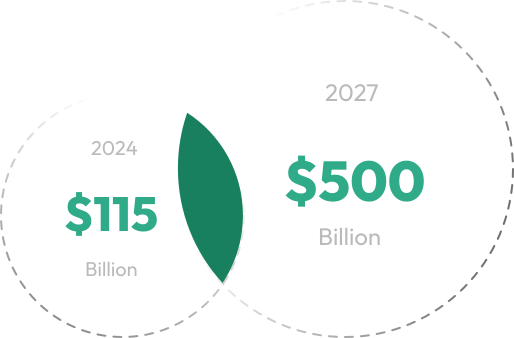
The Fintech Market Is Growing And Making Money
The fintech market is booming, transforming financial services with digital tools like AI, blockchain, and payment platforms.